Miele Smart Home

Create home routines with smart appliances. Get more done with less effort and free up precious time for what truly matters.
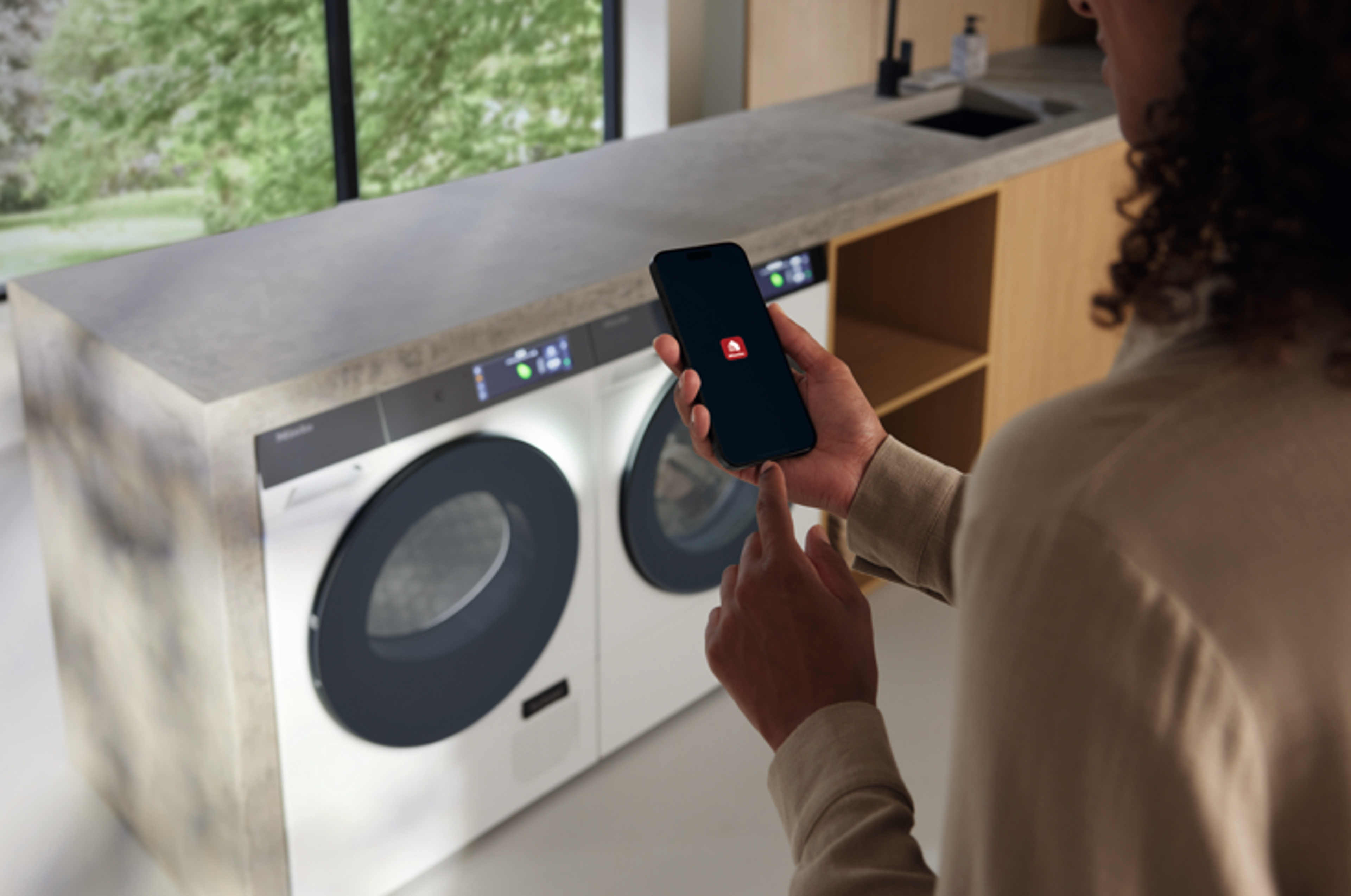
App_image.png

Miele App*

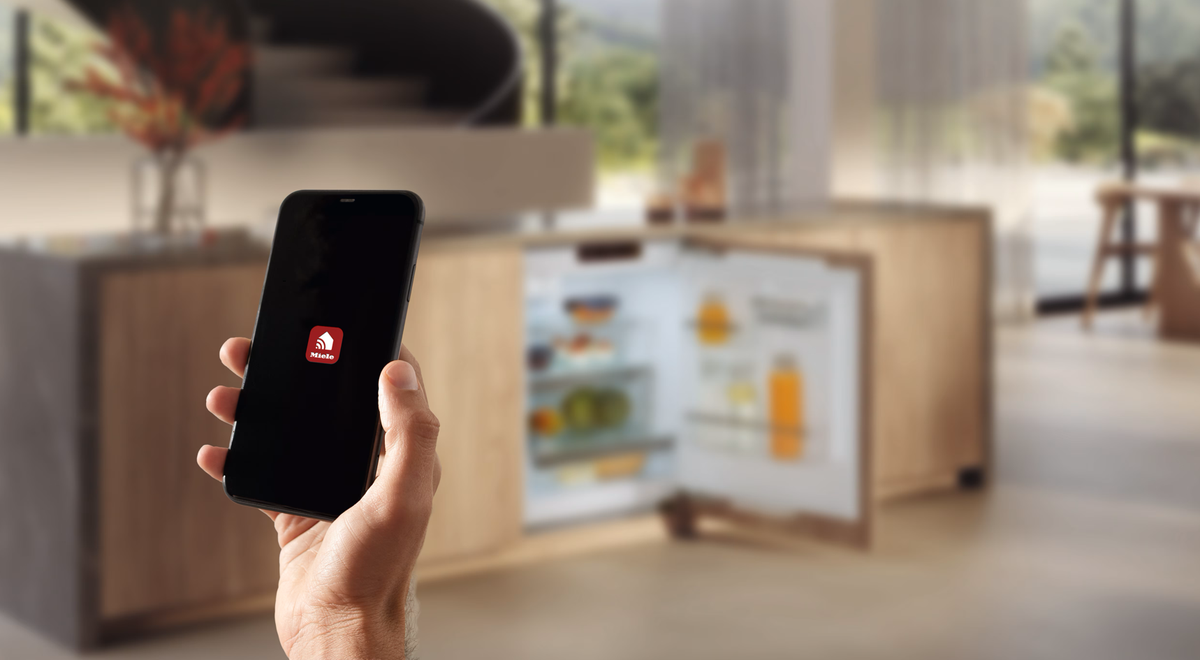
The Miele app is the ultimate companion for seamless home management. Control and monitor your Miele appliances from anywhere, with just a few clicks.


Miele App*

The Miele app is the ultimate companion for seamless home management. Control and monitor your Miele appliances from anywhere, with just a few clicks.

Command Your Home

Command Your Home

The Miele app empowers you to monitor and control your Miele appliances from anywhere. Start your wa...

Effortless Energy Efficiency

Effortless Energy Efficiency

Reduce your energy consumption with intelligent functions such as sustainable recipes and eco tips f...

Secure, Smart, and Sustainable

Secure, Smart, and Sustainable

Experience complete peace of mind with the Miele app. Your data is stored securely and is never shar...

Voice Assistance**

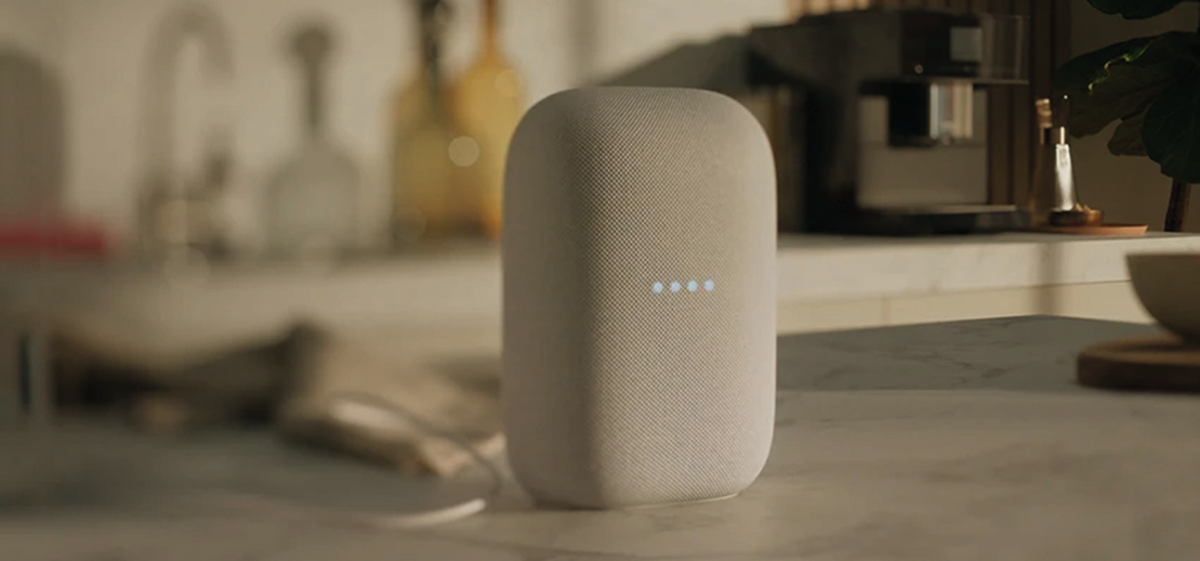
Connect your smart Miele appliances with digital voice assistant systems: With Amazon Alexa or Google Home, you can easily start programmes or check statuses. If your hands are full, simply open the oven door of ArtLine appliances with a voice command. Enjoy enhanced convenience and efficiency in your daily routine with seamless voice control and visual feedback from compatible displays.

Discover Miele Voice Assistance

Simply Sustainable With Voice Control

Simply Sustainable With Voice Control

At Miele, we believe in making technology user-friendly by supporting our customers with voice contr...

Voice Assistance for Cooking

Voice Assistance for Cooking

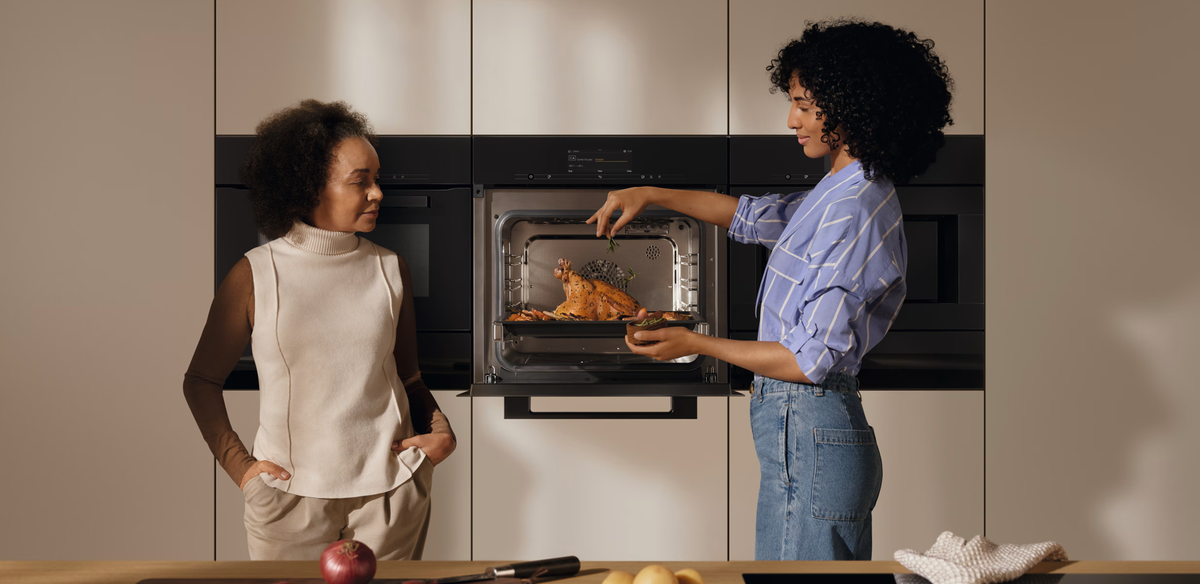
Cooking made seamless and innovative with Miele's voice assistance, providing smart support when you...

Voice Assistance for Laundry

Voice Assistance for Laundry

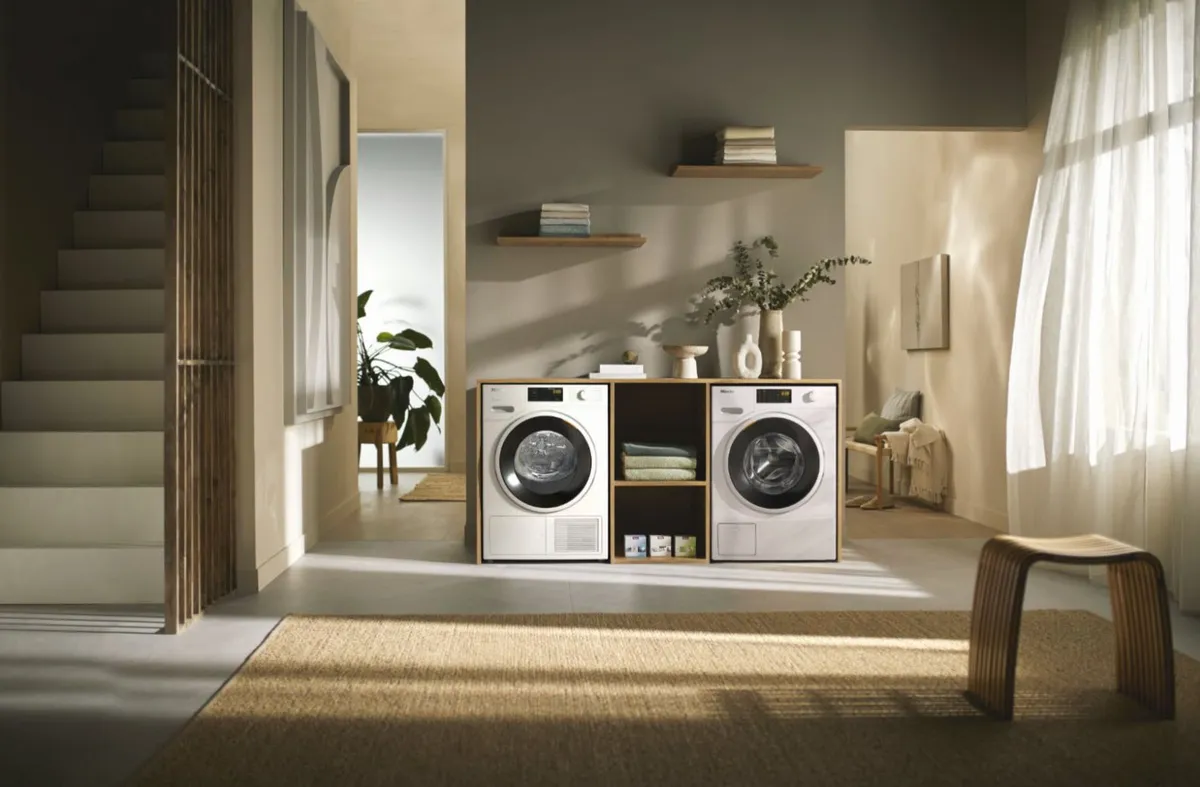
With the Miele skill, your voice assistant offers professional support for your laundry needs. Ask A...

Smart Home Integration

Thanks to the Miele Cloud interface, all our connectable Miele appliances work seamlessly with your existing Smart Home system. Just integrate them and enjoy a seamless experience of your devices.

Smart Home Integration

Enhanced Routines

Enhanced Routines

Imagine waking up to your favorite radio channel while your coffee machine prepares your preferred c...

Energy Management

Energy Management

Use your energy when it is available or less expensive. With the help of your photovoltaic system or...

Connected Appliances

Welcome to the future of living. With smart solutions integrated in our Miele appliances, we place the potential benefit and usefulness for the users at the centre of our work. Discover the benefits of Miele’s connectable appliances, where smart devices seamlessly work together.

FAQs

How is the security of my data ensured?

The security of your data is our top priority. That is why we use the transport layer security (TLS) encryption method to transmit your data securely over the Internet. We regularly review our encryption methods.

It is only possible to use the Miele app and control the networked domestic appliances with your personal user account. This user account is protected with your personal password. This prevents third parties from being able to access your domestic appliances.

The software used by the installed communication module in your networked domestic appliance is updated regularly to ensure compliance with the latest security standards. We also use TLS for this purpose.

What data is stored?

Only data required for Miele app functions is stored.

This includes the user account, appliance information (e.g. serial number and model) and information about the Miele app. Information about the Miele app is used to send push notifications.

Further information is provided in the Miele app’s data protection declaration.

You can find the data protection declaration in the Miele app under Profile > General settings.

Miele app Release Notes - Version 4.12.2

This content is available in English only.

Explore the exciting new features and improvements in the latest version of the Miele app. We recommend downloading the latest version to unlock the full potential of your Miele home appliances. The Miele app is available on the App Store (iOS), Google Play Store, and other major Android app stores in China.

Please note: Not all features are available in every country and for every appliance model. The scope of functions may also vary depending on the location and specific appliance model.

How do I get off to the perfect start in my Smart Home with Miele connectable appliances?

Can I use my Miele user account on several smartphones/tablets?

Yes, you can.

Log into each further device using the same Miele user account.

How do I check whether the Miele domestic appliance is registered in the WiFi?

Option 1: display on the Miele domestic appliance

The menu navigation can vary depending on the appliance and what equipment and software it has.For networking to be successful, the Miele domestic appliance and the mobile device must be in the same WiFi network.

    Select Settings > Miele@home > Connection status on the Miele domestic appliance.The SSID (WiFi name) and IP address are displayed.The SSID displayed must match the SSID of the WiFi.

Option 2: display on the router

    Open the router settings in a web browser.Call up the device list in the router.If the Miele domestic appliance is displayed in the device list, it is registered in the WiFi of the router.

Option 3: display on the mobile device

    Download a network scanner app such as Fing for Android or iOS.The app displays all registered devices in your home network.If the Miele domestic appliance is displayed in the device list, it is registered.

How do I receive notifications from the Miele app?

When you install the Miele app, you will be asked whether the notification function should be activated.

This request must be permitted.

The notification function can be switched on or off for each appliance in the app.

    On Apple devices: go to Settings > Notifications > Miele app on your smartphone and activate the Allow notifications setting.On Android devices: go to Settings > Notifications > Miele app on your smartphone and activate the Permit notifications setting.

Footnotes


* This is a separate digital offer from Miele & Cie. KG. The range of functions can vary depending on the model and the country. Acceptance of the Terms and Conditions and Privacy Policy for Miele digital products & services in the Miele app required. Miele reserves the right to change or discontinue the digital offer at any time.

** Voice control uses the Google LLC and Amazon Alexa services and is based on their availability. The range of functions can vary depending on the country. Google, Google Home and Google Nest Mini are trademarks of Google LLC. Google Nest Mini requires WiFi, an Internet connection, a nearby power socket, a Google account and a compatible mobile device. Minimum requirements for the operating system can be found at: g.co/home/req. Compatible with Alexa. Amazon, Alexa and all associated trademarks are trademarks of Amazon.com, Inc. or their affiliated companies.


miele-logo.png

Join Miele for Life today. Miele's exclusive loyalty programme.

Be inspired by invitation only experiences, access exclusive member offers and everyday pricing on cleaning products and accessories, and enjoy peace of mind with dedicated Miele Customer Care.