Laundry_Care_Banner.jpgLaundry_Care_Banner.jpg

Subscriptions

Miele Care to You

Become a member of Miele for Life today and enjoy exclusive benefits

MI-13038_CareCollection_hero.jpg

Subscribe and Save With Miele Care to You

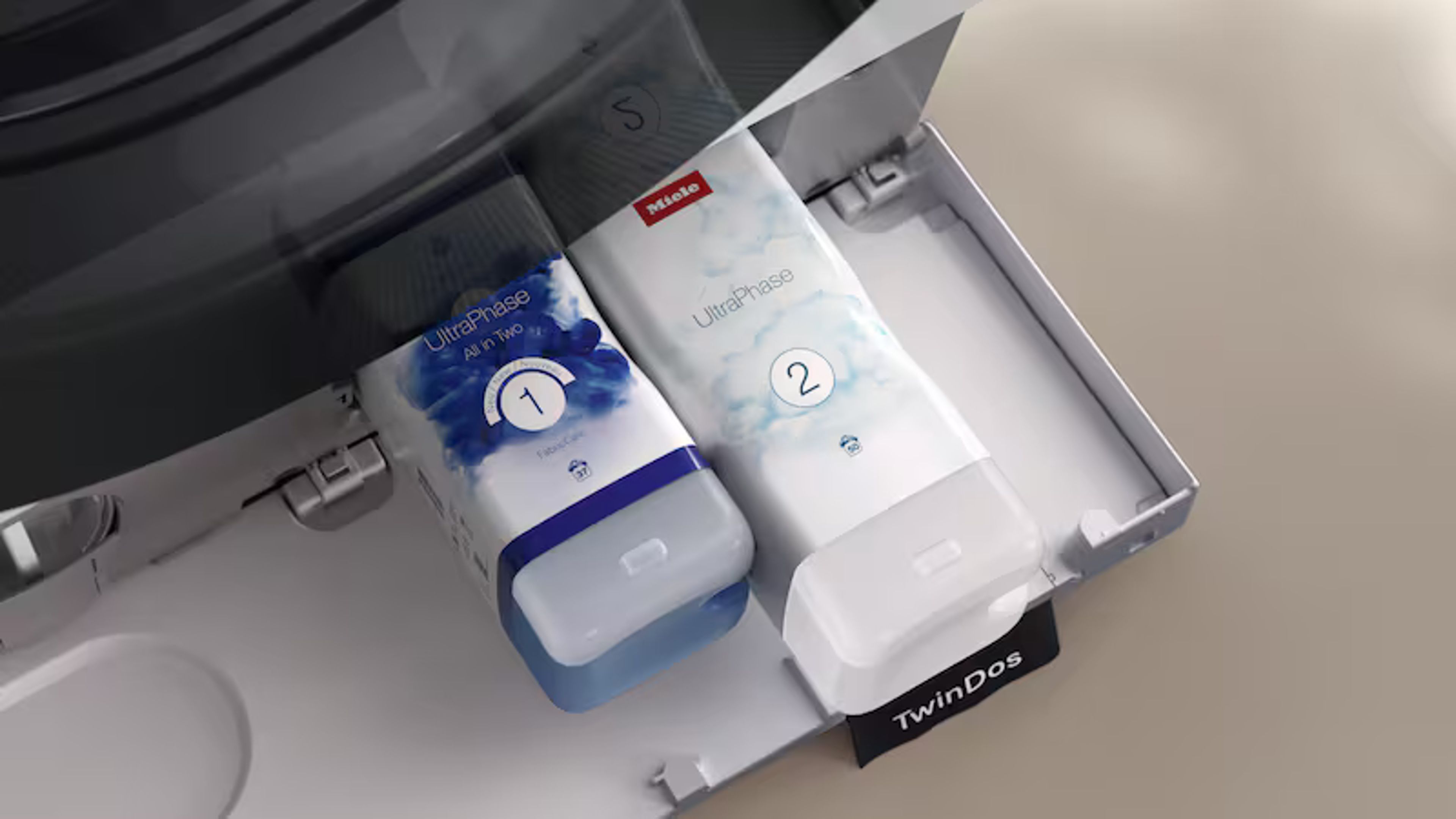
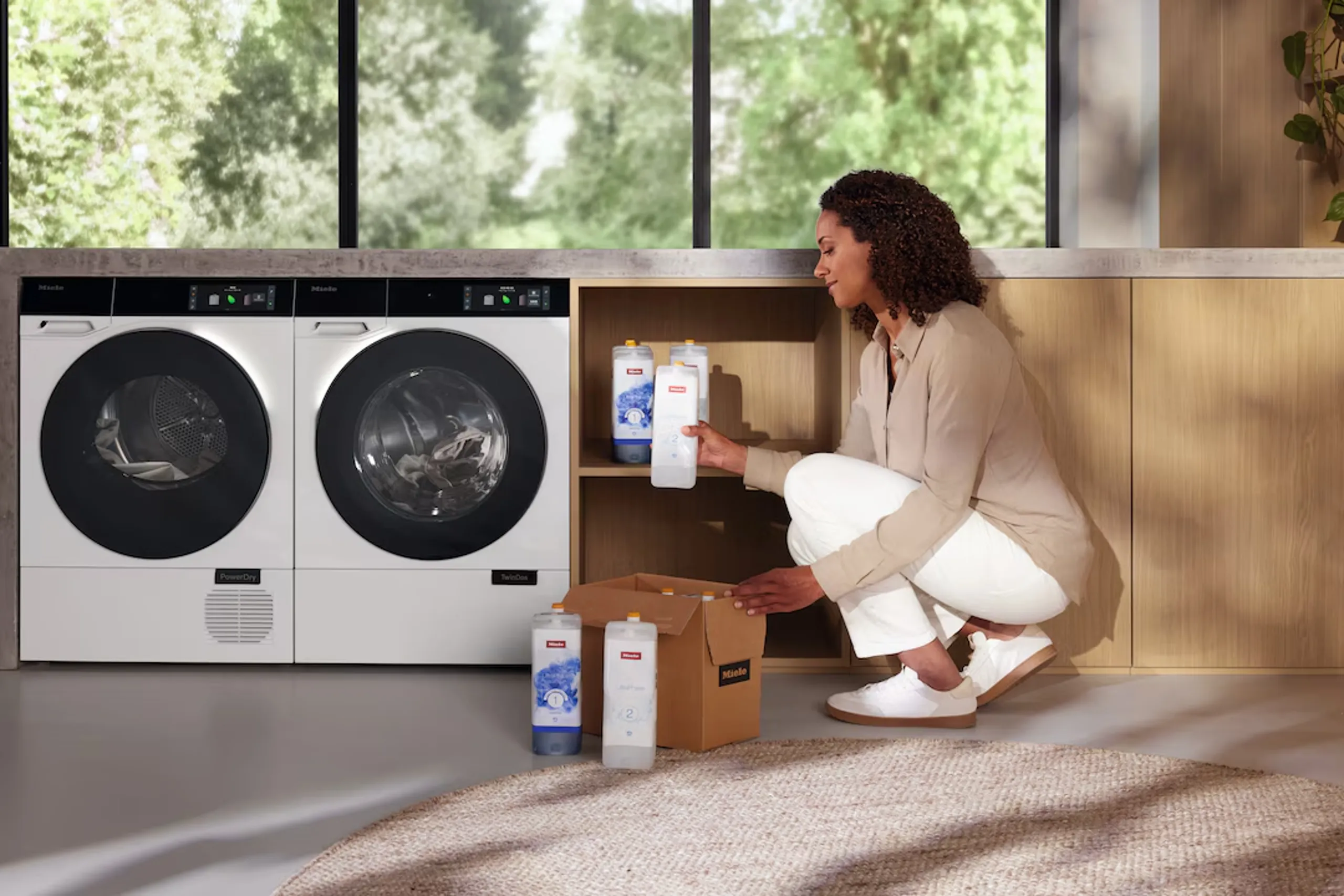
Enjoy the convenience and reliable supply of detergent for your Miele dishwasher and washing machine with our subscription service. When you subscribe, sit back and relax knowing you’ve secured the best price for your PowerDisk, UltraTabs, UltraPhase or UltraColor subscription products.

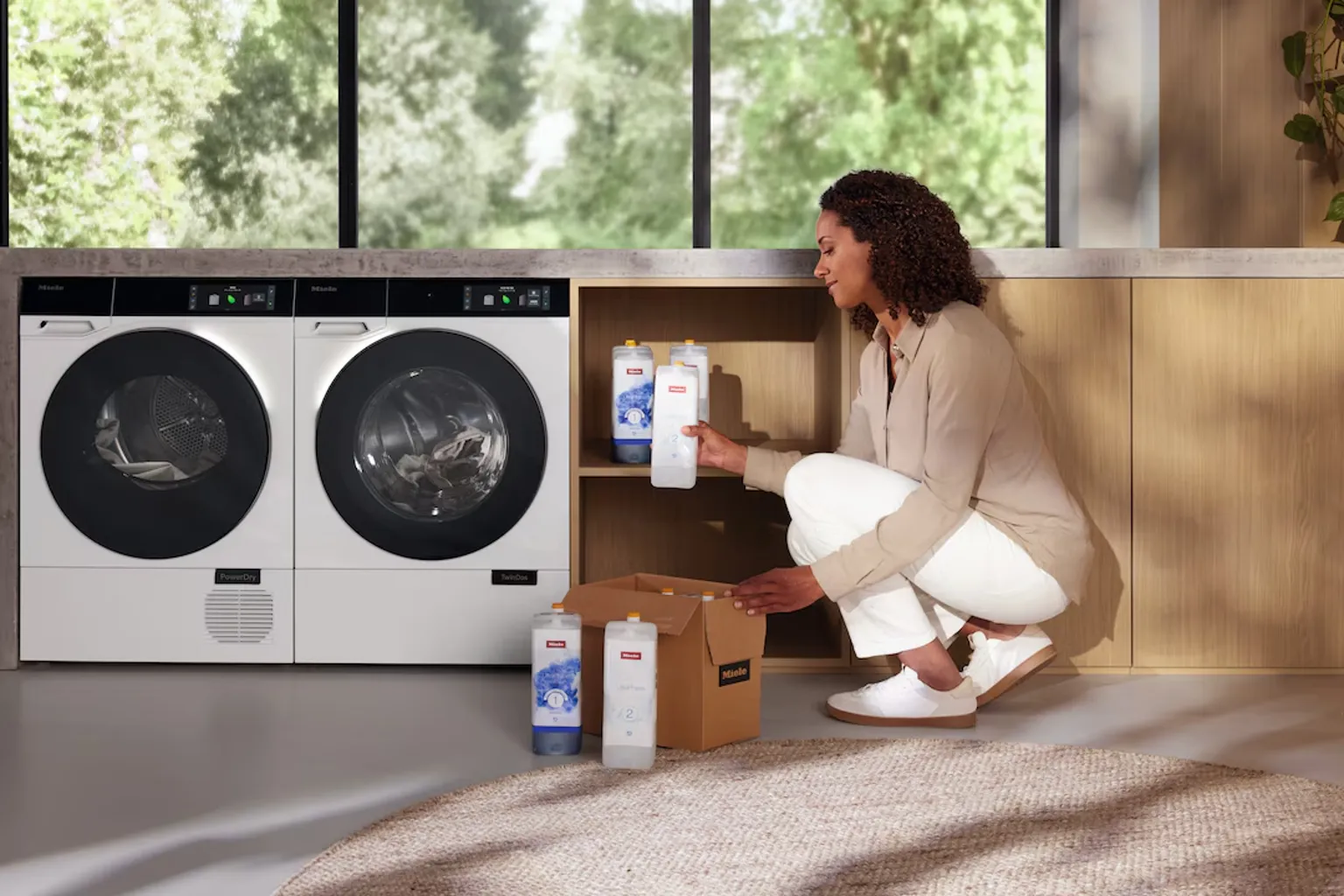
It’s easy to set up, you can have it delivered at intervals that suit you, plus you can modify or cancel your subscription anytime.

Benefits

Easy

Easy

Set up your subscription in minutes

Flexible

Flexible

Modify or cancel your subscription anytime

Convenient

Convenient

Never run out of detergent again

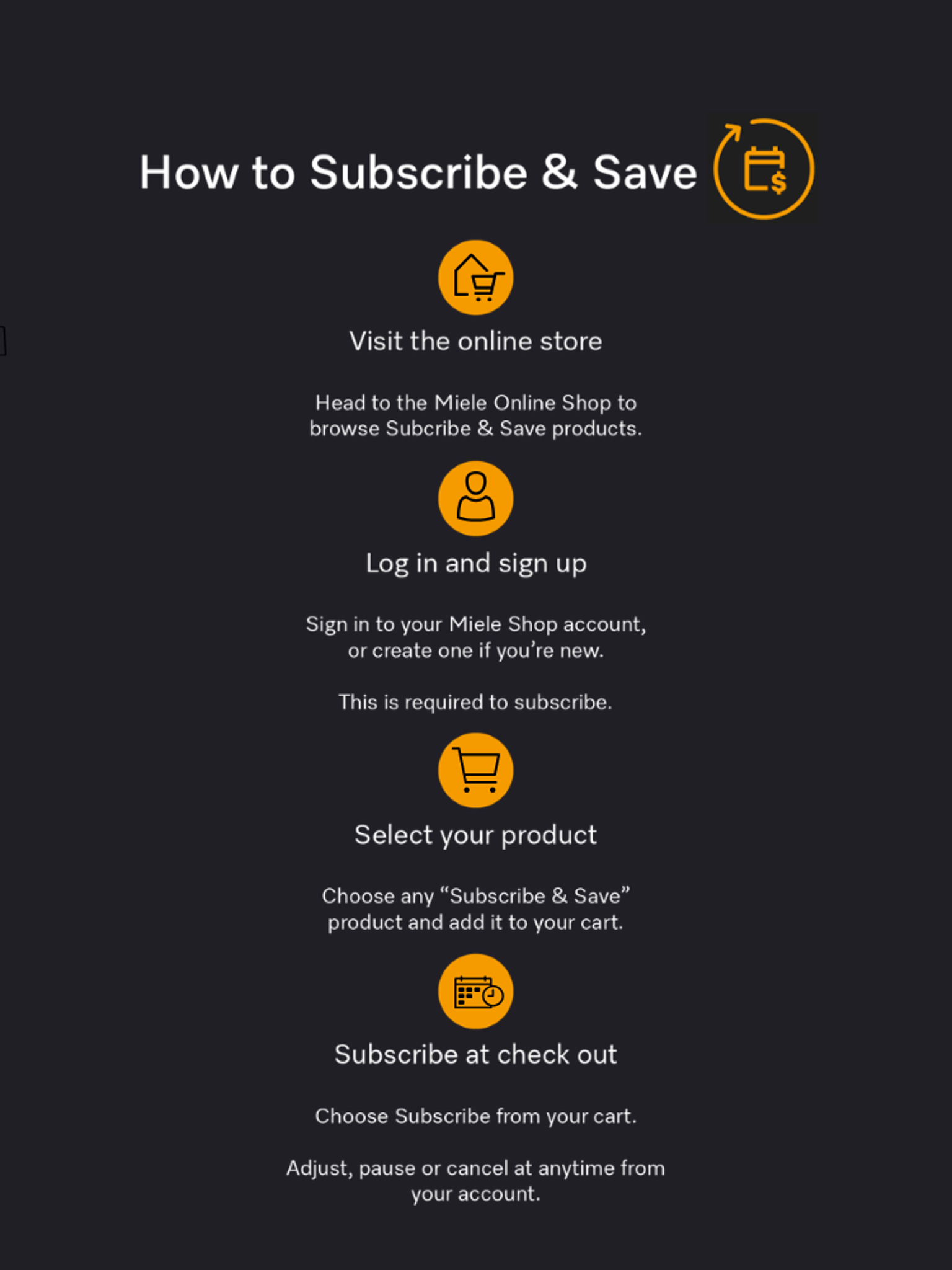
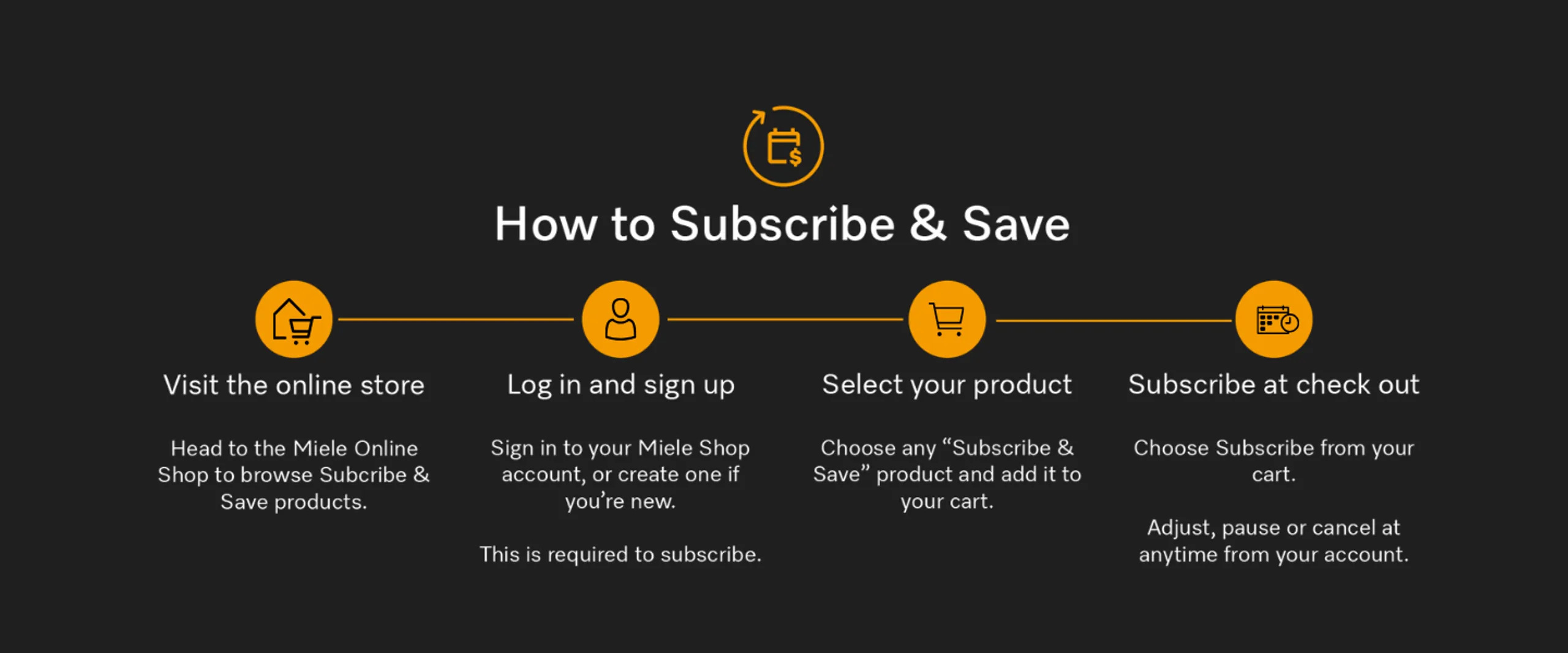
Step 1: Subscribe

To start your subscription service plan, create your account at the Miele online store including your delivery address and how you want to pay.

Powerdisk.png

Step 2: Set Up

Choose PowerDisk 6-pack and how often you would like it delivered. Then submit your first order and payment. Future orders will happen automatically.


Step 3: Sit Back

Your items will be sent out according to your frequency choice. You will receive a reminder email at least five days before we ship your order. You can make any changes or cancel your subscription plan by logging into your account.
miele-logo.png

Join Miele for Life today. Miele's exclusive loyalty programme.

Be inspired by invitation only experiences, access exclusive member offers and everyday pricing on cleaning products and accessories, and enjoy peace of mind with dedicated Miele Customer Care.

Miele Care to You FAQs

Do I need to have a Miele online shop account to set-up a subscription order?

To set-up a subscription you will need to be a registered customer and either Create an Account, or sign in to your online shop account. Note, your login details for the online shop account may be different to other Miele accounts you have. i.e. Miele for Life website login does not access the Miele online shop.

How do I set up a Miele online subscription (auto-delivery) order?

1) Sign in to your Miele online shop account

2) Go to the product page (product pages linked above) & click the ADD TO CART button. *TIP: Take note of the suggested recurrence frequency for the product on the product page. Note: Only selected Miele products are subscribable.

3) Within Your Shopping Basket , click the Subscription checkbox located below the product you wish to subscribe to.

4) Select your preferred subscription recurrence frequency (i.e. 2 months, 3 months, 6 months) in the dropdown box. Note the start date is automatically calculated based on the subscription frequency selected. Select SAVE.

5) Your selected subscription recurrence frequency and the start date of your subscription order will then be displayed below the “Subscribe” checkbox.

6) Enter your postcode (if missing) in the postcode field in the shopping cart

7) Read the Subscription Terms & Conditions and tick the “I agree to the Subscription Terms & Conditions” checkbox.

8) Details of your subscription total, and any recurring shipping costs will be displayed in the Order Summary box

9) Click the CHECKOUT button to complete your order.

When will I receive my subscription product?

1) You will receive your item/s within approximately 3-7 business days from when the subscription order is shipped.

2) You will receive an email from Miele a few days prior to your subscription item/s being shipped to you, based on the recurrence date you have selected.

Where can I review or change my Miele subscription order?

You can do this all online via the Miele online shop. To check, change, pause or cancel your subscription order, sign-in to your online shop account, then go My Account > Subscriptions > View Details.

Can I pause or cancel my Miele subscription at any time?

1) Yes. Simply, sign-in to your online shop account, then go My Account>Subscriptions.

2) Find the subscription order you wish to edit, and click View Details located next to the order total

3) Check the Subscription Status is “Active”

4) Then, to pause or cancel your subscription, simply click the DEACTIVATE button, located top right of your Subscriptions Details page.

5) To confirm, click DEACTIVATE again in the Deactivate Subscription pop-up and click OK.

6) Your Subscription Status will then change to: Inactive

Can I change the recurrence frequency of my subscription order after it has already commenced?

1) Yes. Sign-in to your online shop account, then go to My Account > Subscriptions

2) Find the subscription order you wish to edit and click Details located next to the order total.

3) Click the pencil icon in the Subscription box

4) In the Recurrence dropdown menu, select the new recurrence frequency that suits you best

5) In the Start Date field choose the new start date for the new auto-delivery date.

6) Click the “I agree to the Subscription Terms & Conditions” checkbox and click SAVE

Does the Miele Care To You subscription service apply to all Miele cleaning and care products?

Currently the service is only available for select dishwasher and washing machine cleaning products including PowerDisk, UltraTabs, UltraPhase and UltraColor. However, we will be introducing more cleaning and care products to the Miele Care to You subscription service soon.

Do I benefit from promotional offers with my subscription?

Yes. As a valued subscriber, you already benefit by securing the best price for the subscription product.